This phone
Settings
version 0.38 (beta)
© 2026 Jason Greenman
Display
Units
Add to Home Screen
Save RigCard as an app on this phone. After the first load it stays on the Home Screen and works with no signal.
iPhone
Safari.
- 1Open the Safari page menu.
iOS 26
Tap the overlapping-squares button to the right of the address bar.
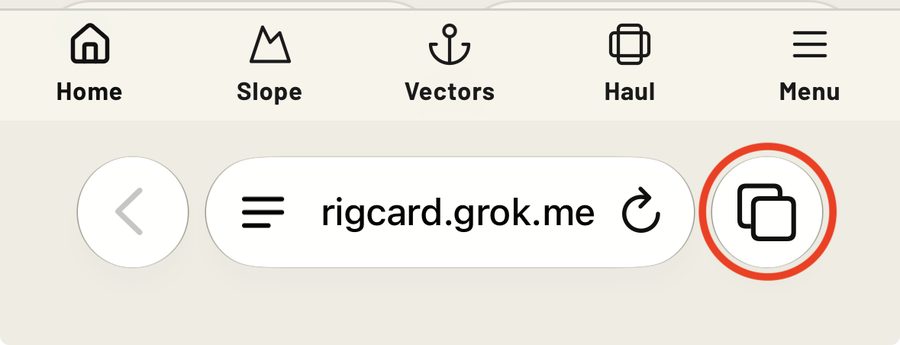
iOS 27
Tap the three-line menu on the left of the address bar.
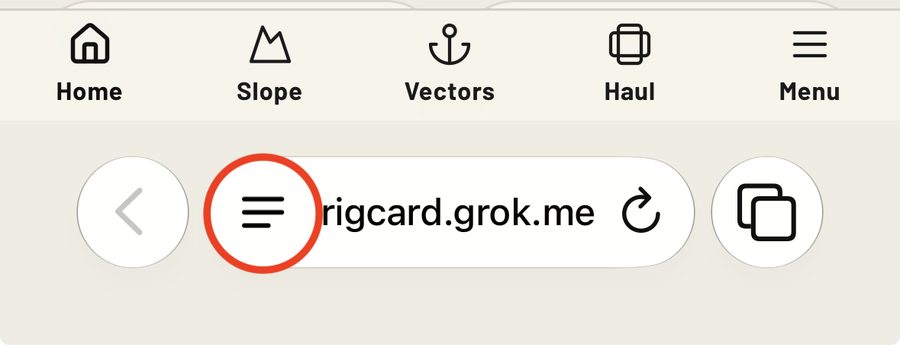
- 2Tap Share.
iOS 26
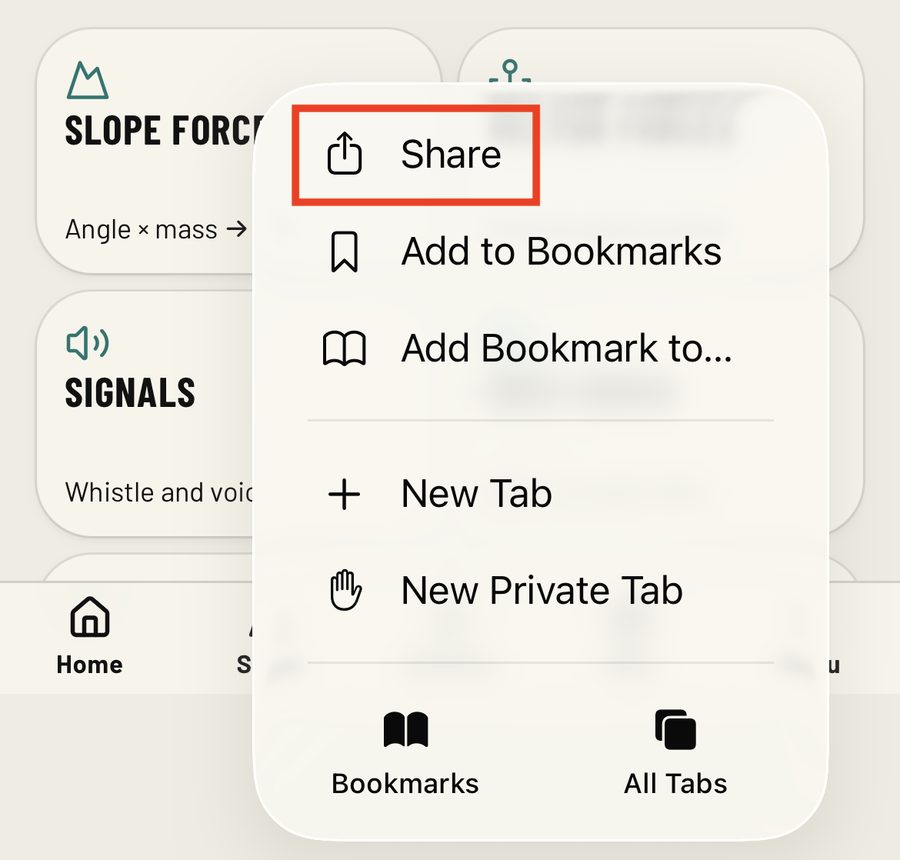
iOS 27
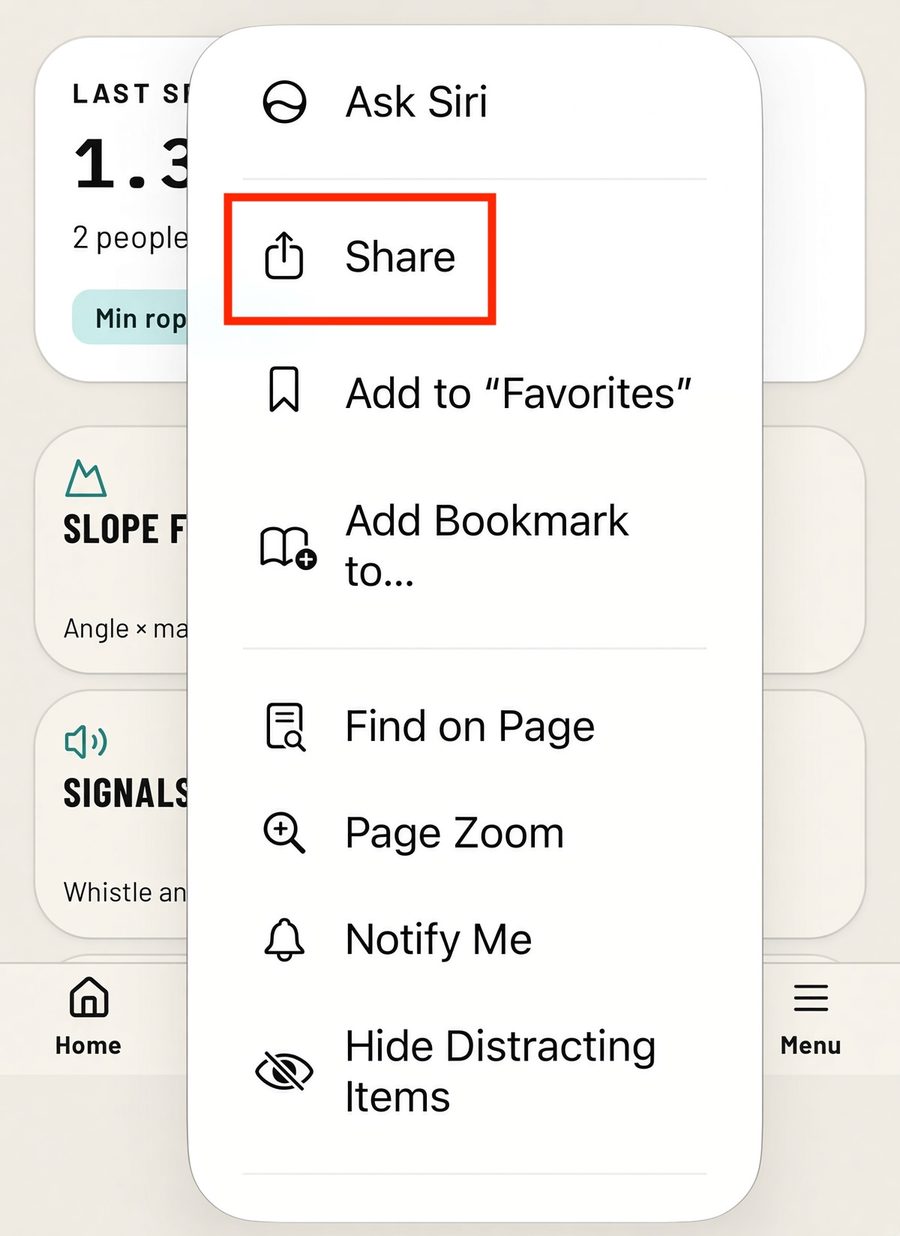
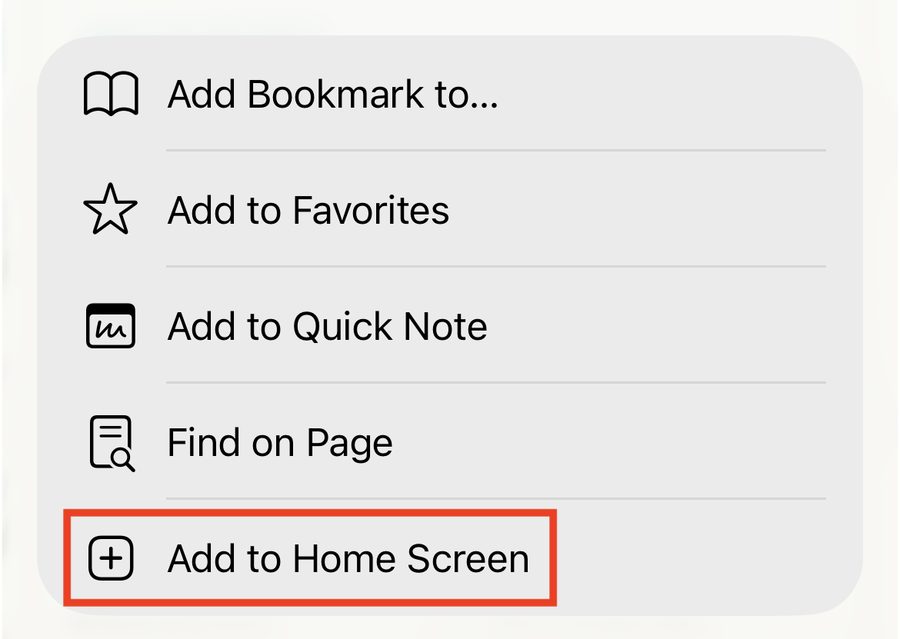
- 3Scroll the sheet and tap Add to Home Screen.
- 4On the next screen, select Open as Web App and click Add.
Android
Chrome.
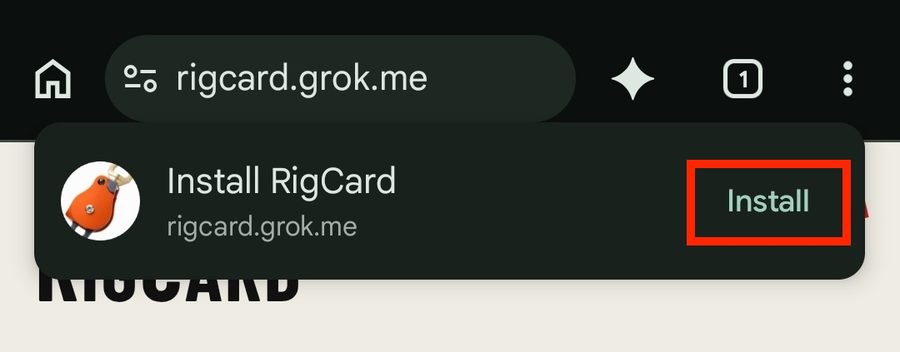
- 1If a banner says Install RigCard, tap Install.
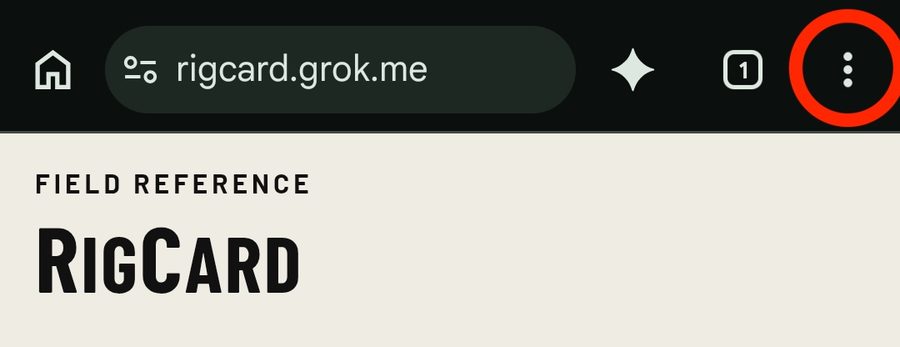
- 2If you don’t see the Install banner, tap the three-dot menu at the top right.
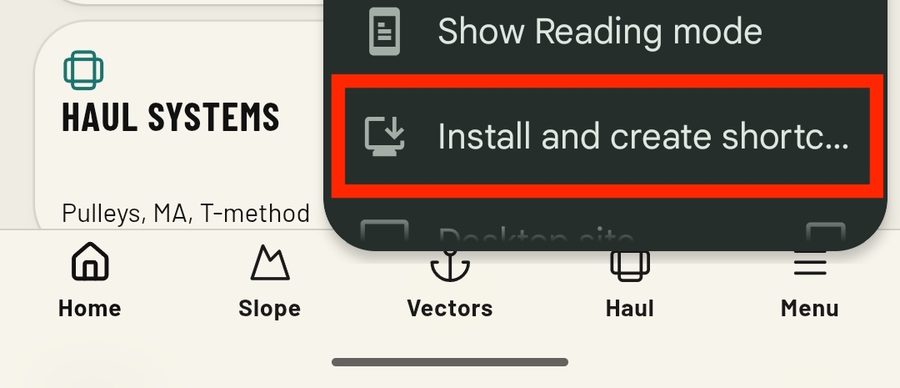
- 3Then tap Install and create shortcut.
- 4On the next screen click Install. (If another screen pops up, click Install again.)